
When your certificate is available
You will receive a certificate when you:
- Complete all required course content
- Reach a Certified status
Where to find your certificate
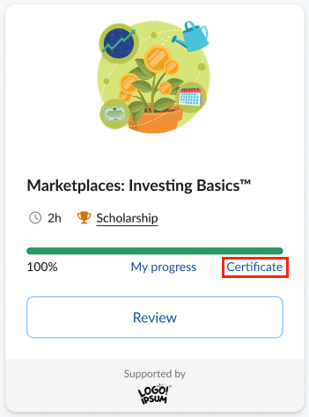
Your certificate is available on your Learner Dashboard.
To access it:
- Go to your dashboard
- Locate the completed course
- Click the certificate link on the course card
What to do if you don’t see your certificate
If you completed a course but don’t see a certificate:
- Make sure the course shows as completed
- Try reopening the course
If it’s still missing, contact your teacher or Support.