
To add an individual student to your class, you’ll first need to create a class for them to join.
Create a Single Student Account
-
Go to your My Students tab and select the Add Students Button

-
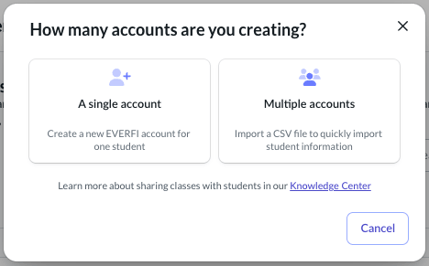
Select A Single Account
-
Fill out the required fields and select Save
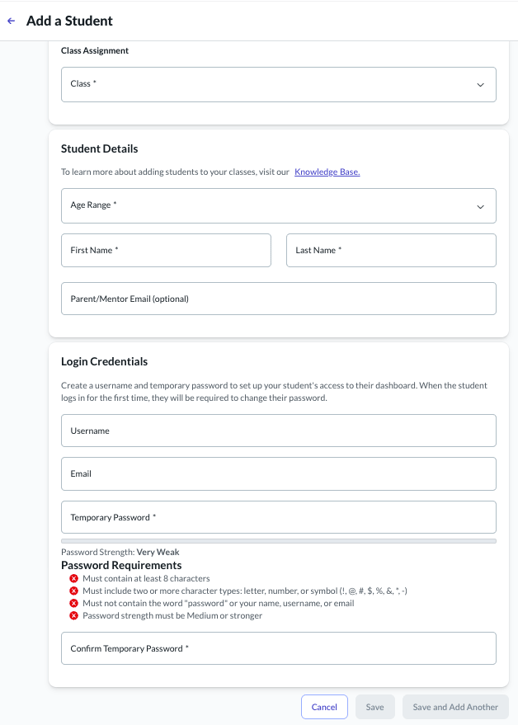
Make sure you choose a unique username, as usernames cannot be reused.