
Steps for Students
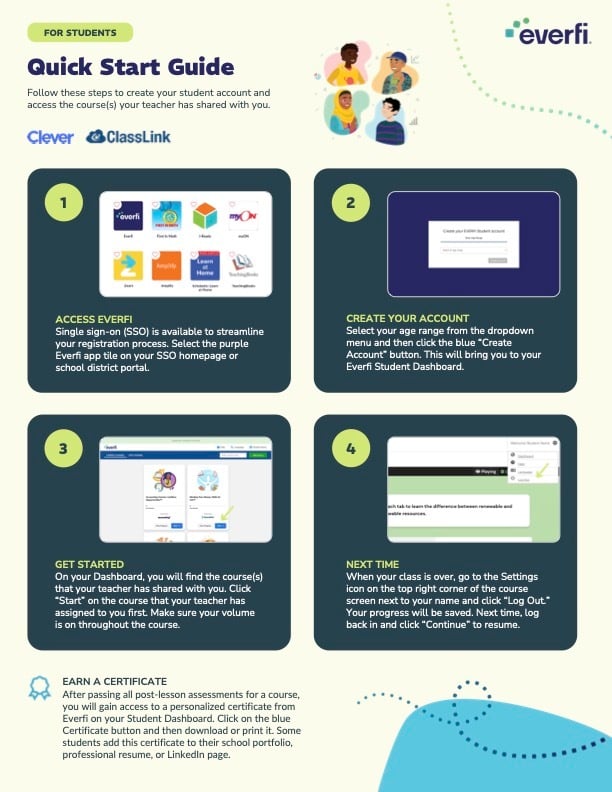
- Log in to your school’s Clever or ClassLink portal.
- Select the Everfi app.
- Students are automatically logged in and taken to their Everfi dashboard, where they will see the courses that teachers have assigned.
If You Don’t See Your Courses
- Your teacher may not have assigned them yet.
- Try refreshing your page or checking again later.
- If your courses still do not appear, tell your teacher so they can check your class setup.
Using standard login? See our companion article: Directions for Students to Access Their Course.