
How to Print Certificates
- Log in to your Teacher Site.
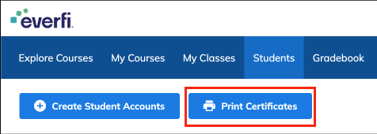
- Select Students from the top menu.
- Check the box next to each student whose certificate you want to print.
- Click the blue Print Certificates button to open your print manager and begin printing.
Note:
- You can only print certificates for students who have a Certified status.
- The Print Certificates button will remain grey until at least one student is selected