
If your school isn’t listed in the dropdown:
- Go to everfi.com/newteacher
- Select the 'Continue with Username and Password' option
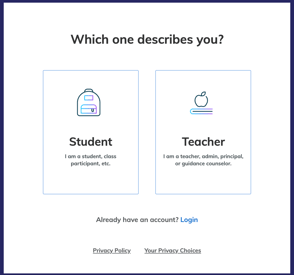
- Select 'Teacher'
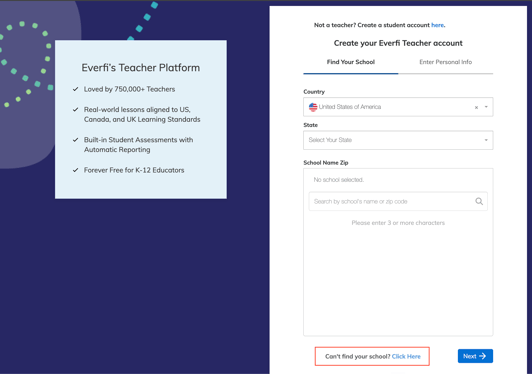
- Scroll down to “Can’t find my school? Click here.”
-
Follow the steps shown on screen to add your school
If You’re Registering as a Student
If you’re a student and already have a registration code, you can use that to get started.
Go to everfi.com/register and select Student.