
If a student creates a teacher account by mistake, you’ll need to contact Customer Support so we can delete that account. Once it’s removed, the student can register again as a student using their email or username.
To help prevent this in the future, remind students to select Student on the account‑type screen when registering, and teachers to select Teacher.
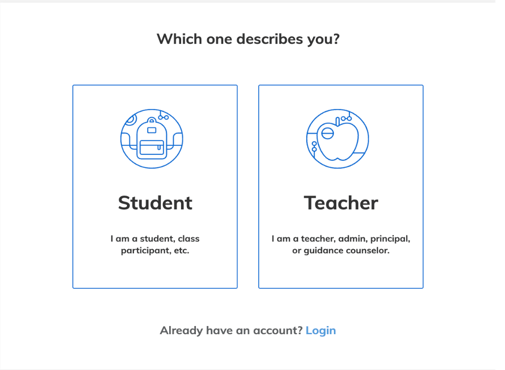
If a Teacher Accidentally Creates a Student Account
If you create a student account by mistake, don’t worry—you can still fix it.
You have two options:
- Keep the student account and remove the email tied to it, then reuse your email when creating your teacher account
- Ask Customer Support to delete the student account so you can start fresh
Alternate Situation: My Teacher Account Looks Like It Turned Into a Student Account
Sometimes a student may log in on your computer using the same browser session. This can cause your teacher account to appear linked to the student’s name or prevent you from logging back in correctly.
If this happens, Customer Support can fix it. Please provide:
- The name and email tied to your teacher account
- The name and email/username of the student account that appears connected (if known)
- Any course codes or class names that seem to be missing
Our team will help restore your teacher account so you can get back to teaching.