
Steps for students
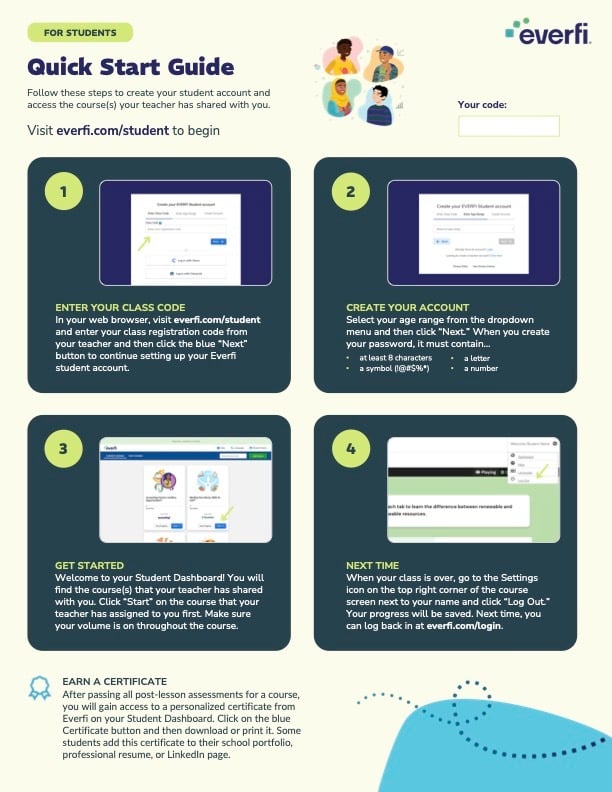
- Go to the Everfi student login page
- Enter your email or username and password
- Select Log in
After logging in, you will land on your dashboard where you will see any courses your teacher has assigned.
If you don’t see your courses
- Your teacher may not have assigned them yet
- Make sure you entered the correct class code if one was provided
- Try refreshing your page or logging out and back in
If your courses still do not appear, contact your teacher so they can confirm your access and class setup.
Does your school sign in with SSO? See our companion article: Directions for Clever/ClassLink (SSO) Students to Access Their Courses.